DJI Dock

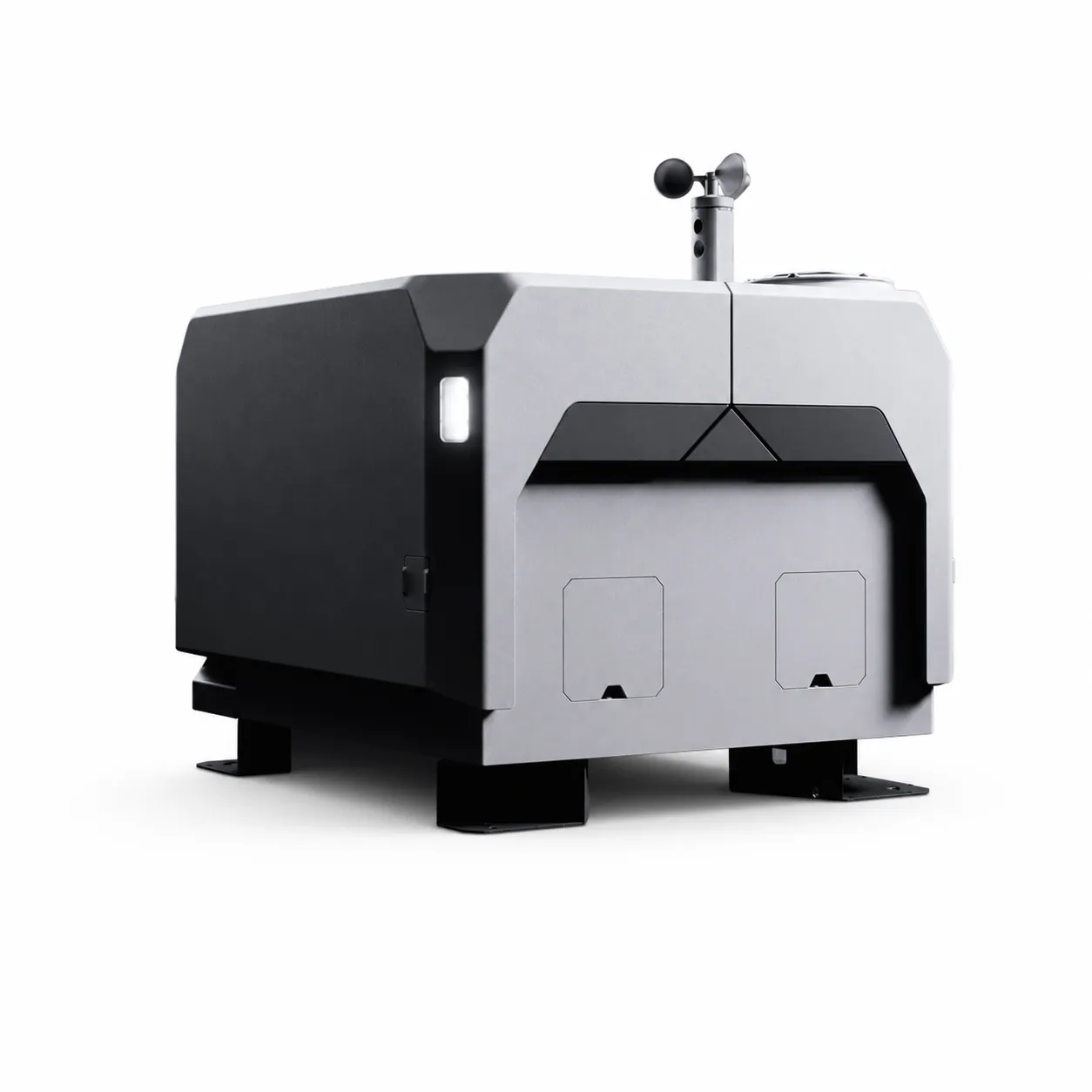
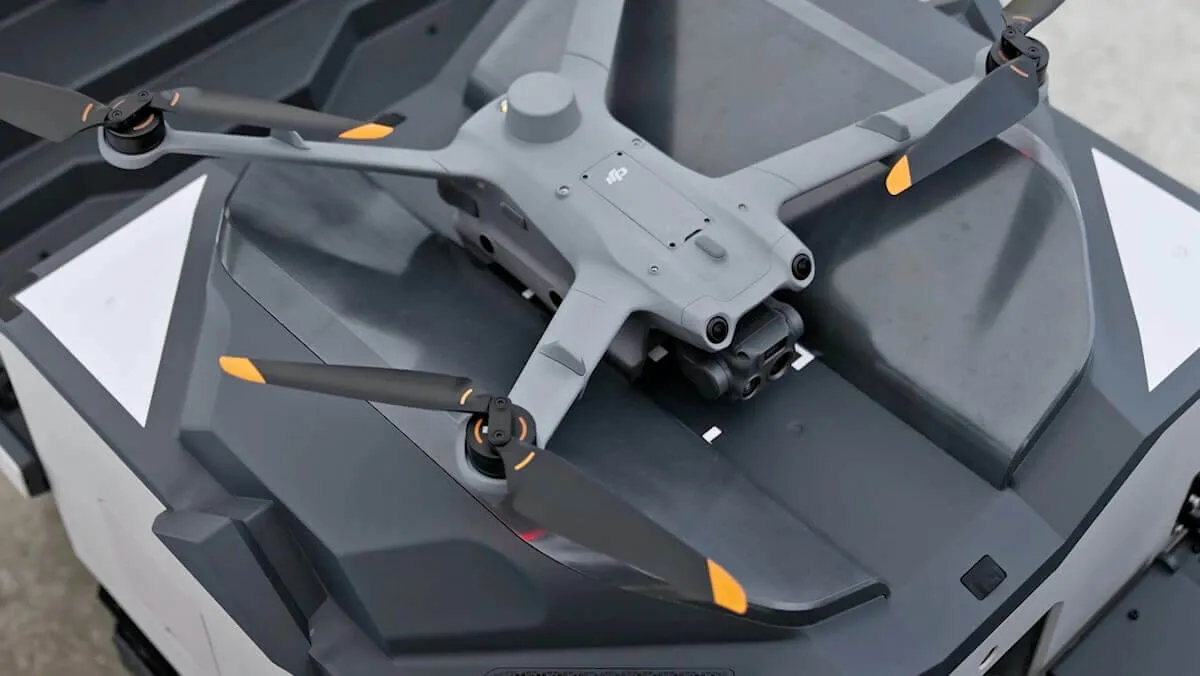
The Original DJI Dock is a ruggedized station that automates remote missions around the clock with the Matrice 30 Series. With FlightHub 2, launch, control, return and charging are integrated into a single process.

Category:
DJI Dock • 24/7 autonomous station for Matrice 30

DJI Dock

First generation station with Matrice 30 series for remote mission launch, landing, fast charging and control via FlightHub 2.

Weight

105 kg

Size

800 × 885 × 1065 mm

Protection

IP55

Operating temperature

−35 °C to +50 °C

Charge

10% to 90% about 25 min

Wind resistance

up to 12 m/s

Product details

Platform and capabilities

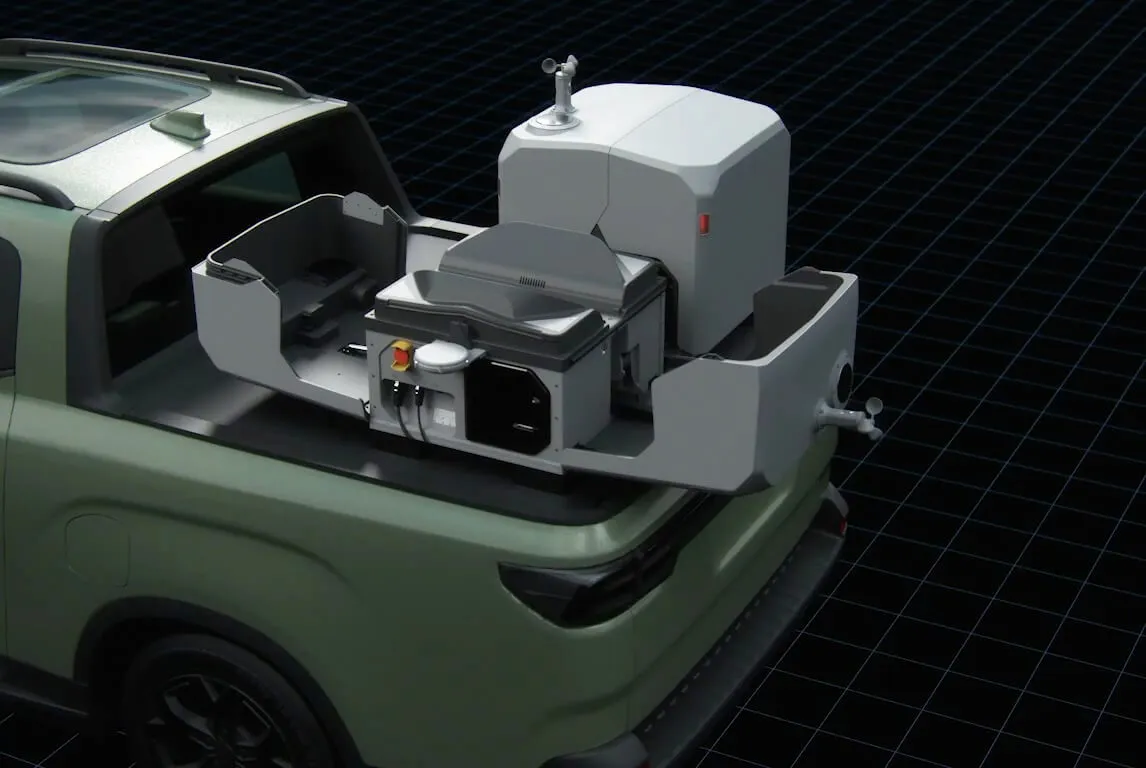
The DJI Dock Station stores the drone, monitors its health, charges it, and prepares it to automatically execute a mission sent from the cloud. Through FlightHub 2, the operator can monitor several objects from the center.
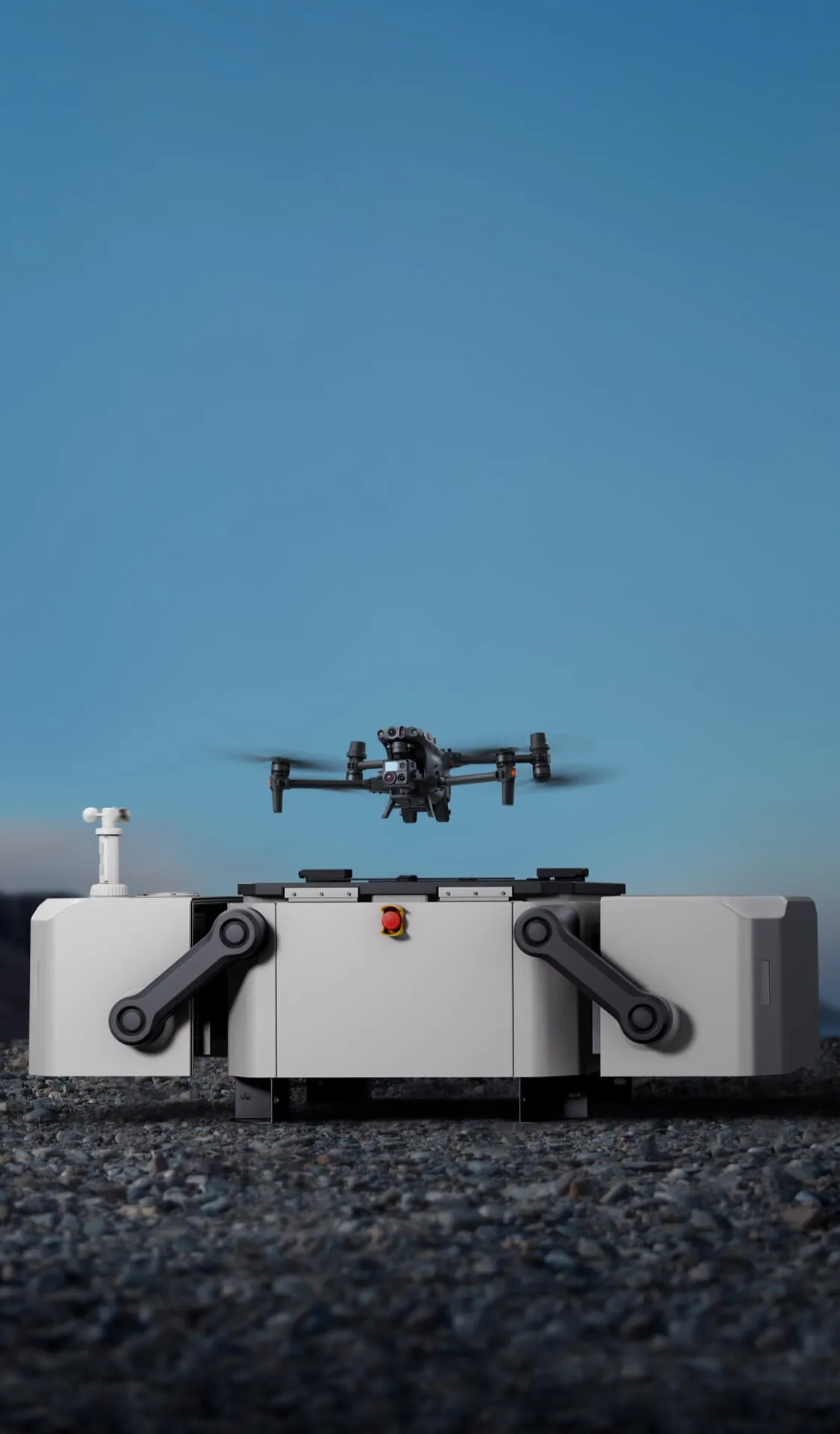
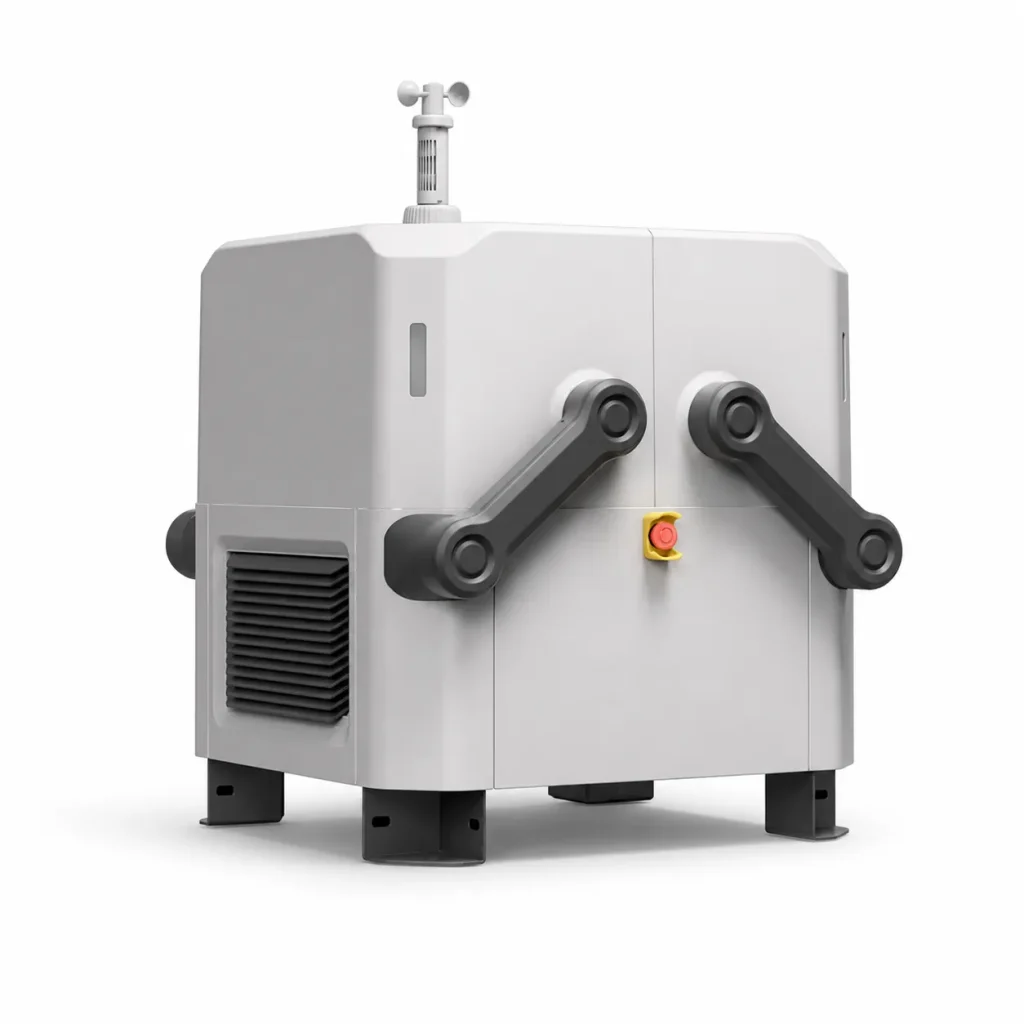
DJI Dock — product view 1
DJI Dock

Performance and output quality

System performance depends on dock location, electrical and internet stability, GNSS visibility, weather, charge cycle, and mission length. Radio and site survey will be conducted before installation.
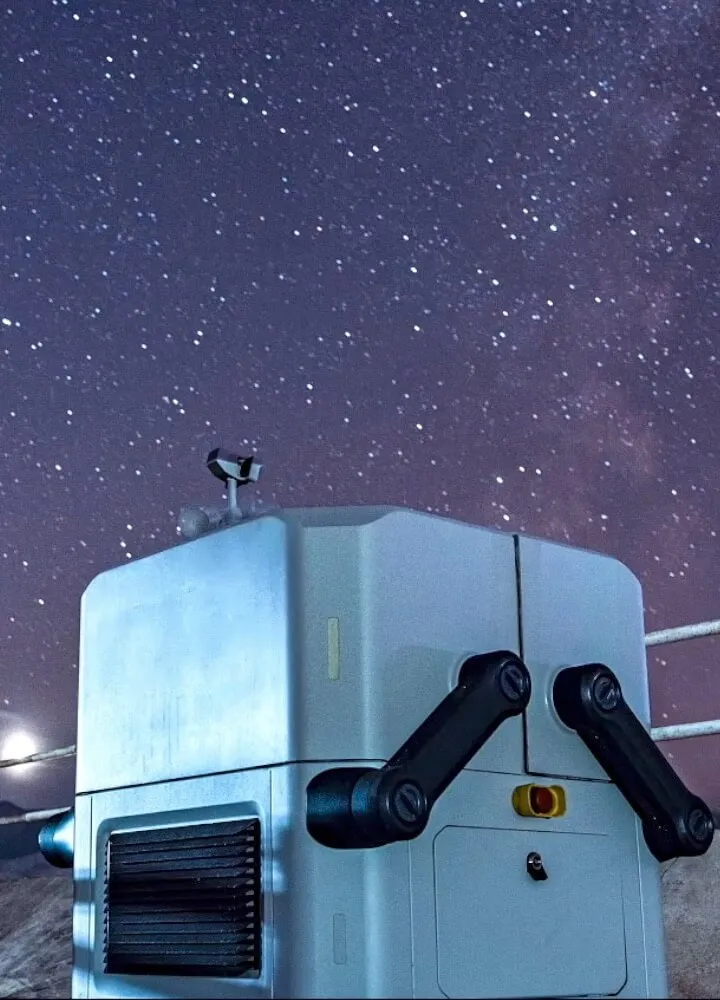
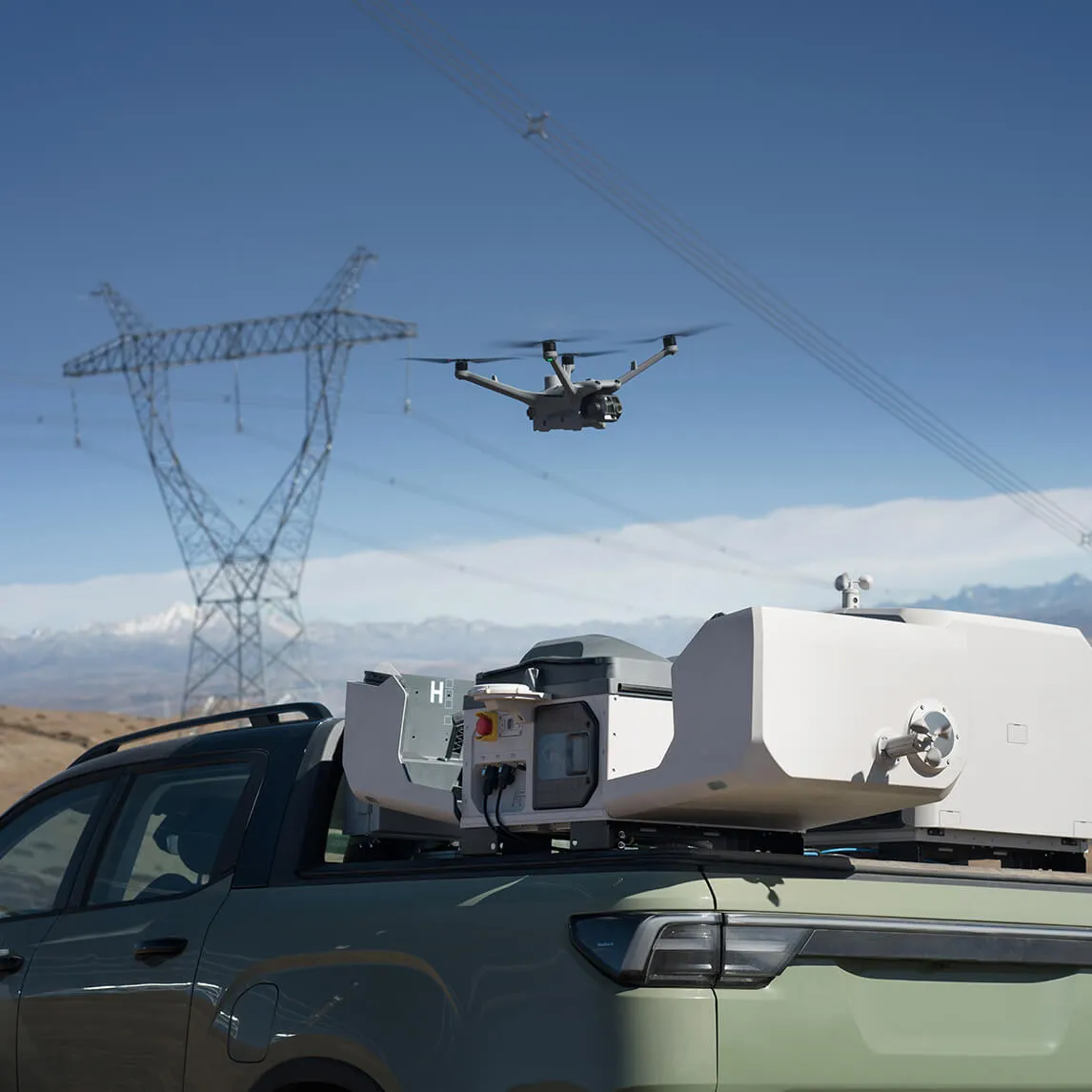
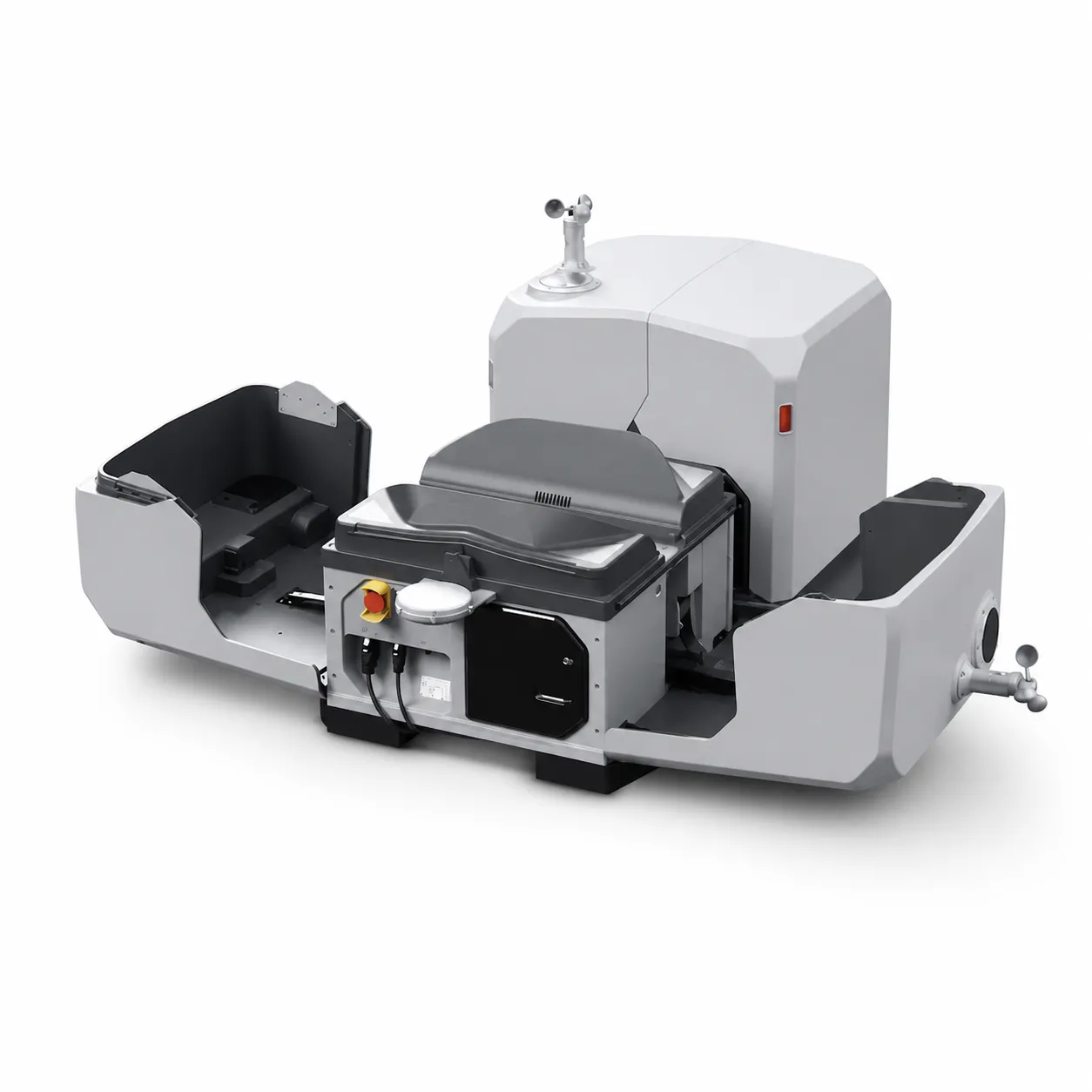
DJI Dock — product view 2
DJI Dock

Safety and reliability

Autonomous does not mean uncontrolled. Geofence, altitude, weather limit, emergency landing, people and traffic zone, maintenance schedule and responsible operator escalation are preset.
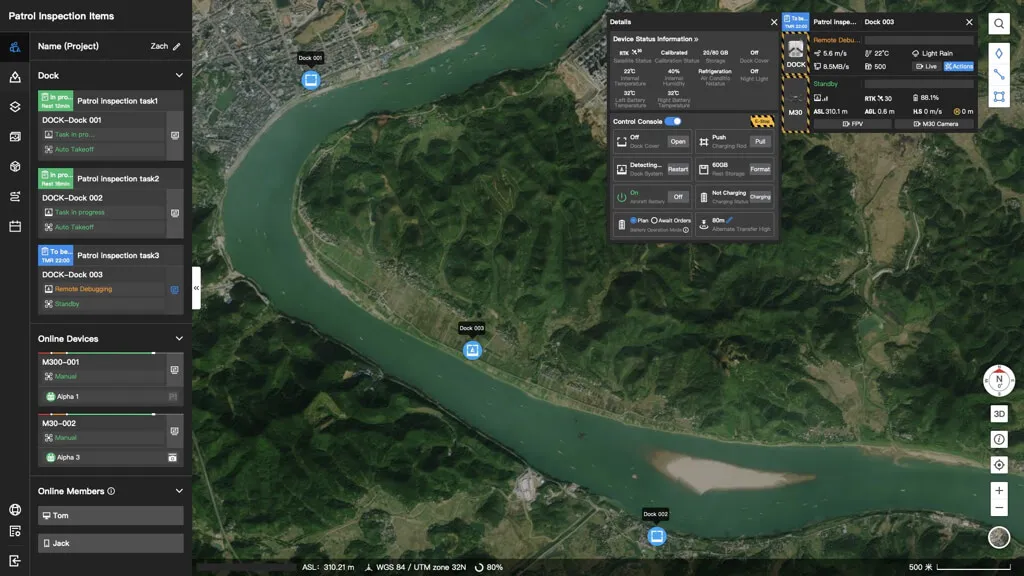
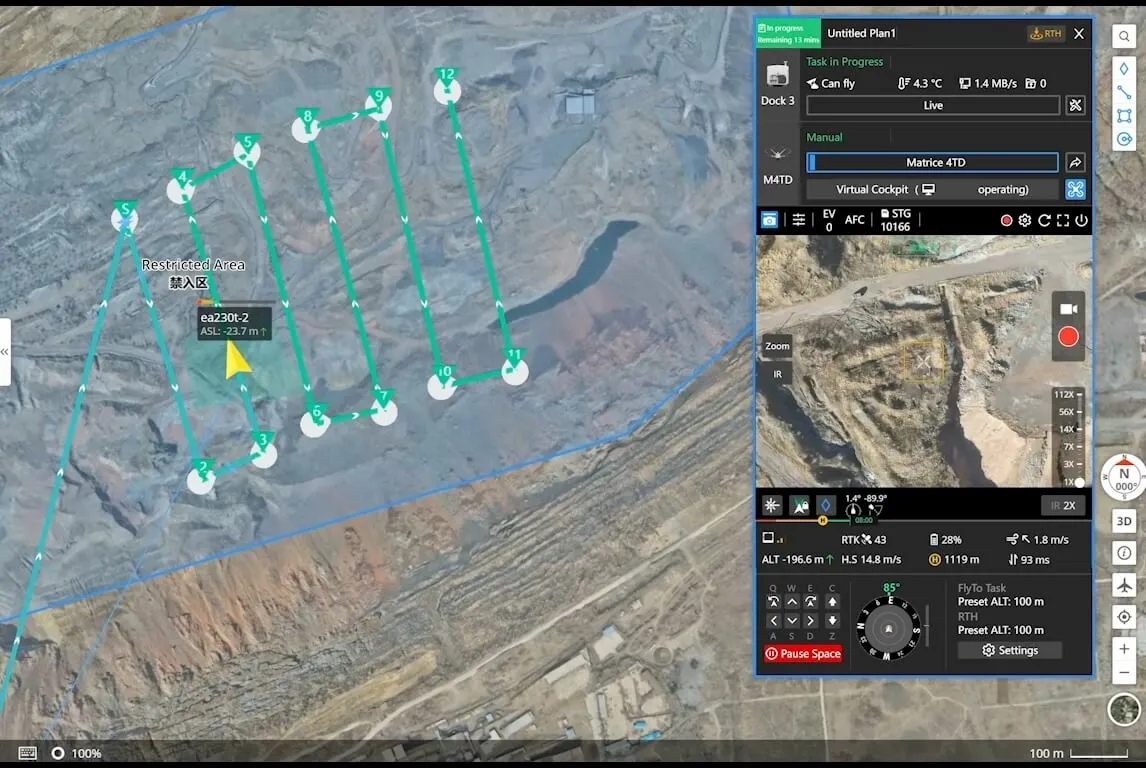
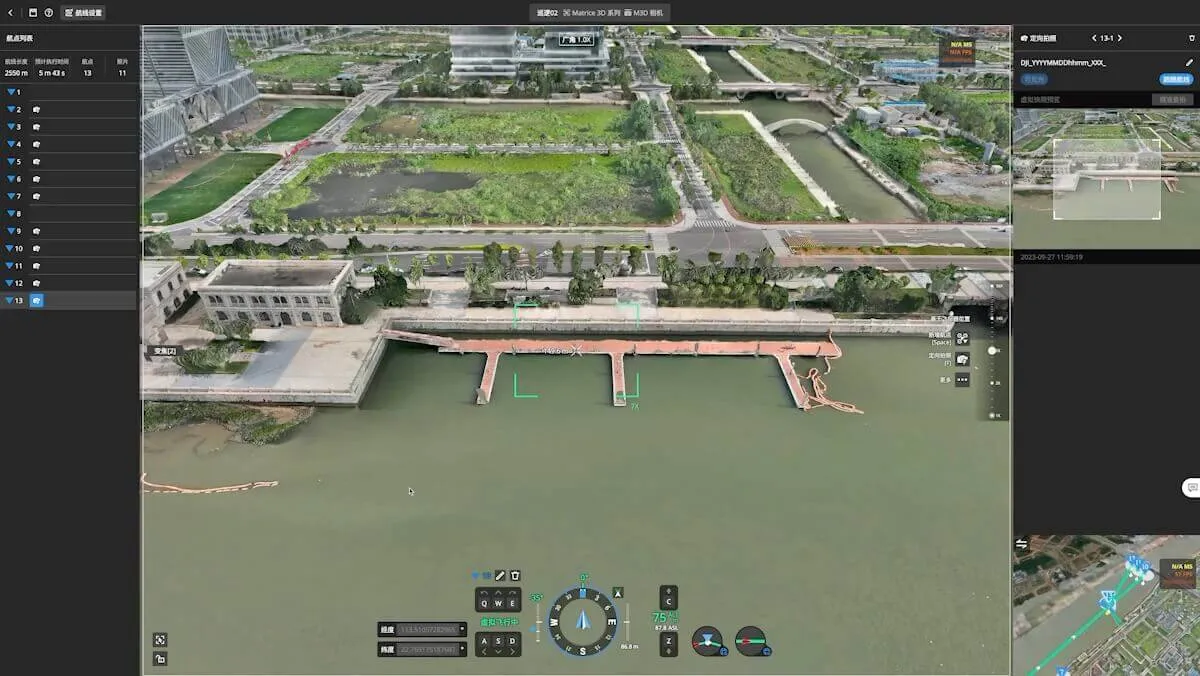
DJI Dock — product view 3
DJI Dock

Professional workflow

After site survey and foundation, electrical, network, RTK and weather sensors are checked. Create a mission and triggers in FlightHub 2; after a test flight, acceptance test and duty regulation, the system is put into operation.
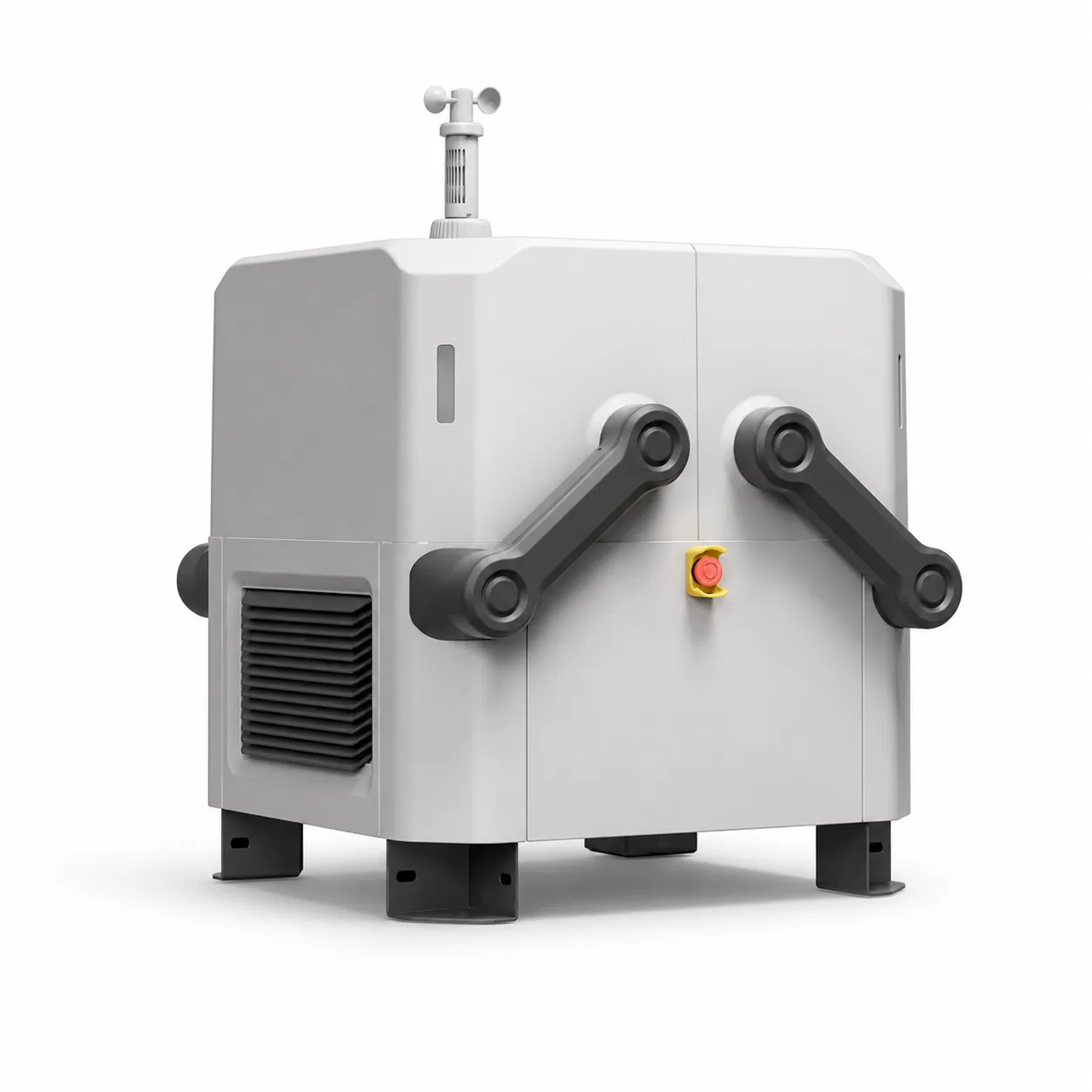
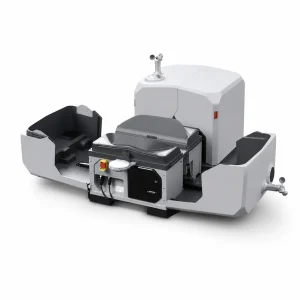
DJI Dock — product view 4

Specifications

Weight 105 kg
Size 800 × 885 × 1065 mm
Protection IP55
Operating temperature −35 °C to +50 °C
Charge 10% to 90% about 25 min
Wind resistance up to 12 m/s
Operating radius up to 7 km
Backup power over 5 hours
Platform Matrix 30 / 30T Dock Version
Program DJI FlightHub 2 and Cloud API

What tasks is it suitable for?

  • Inspection of pipeline, road and electric network
  • Mine, quarry and construction monitoring
  • Remote surveillance in an emergency
  • Scheduled perimeter and security patrol

Recommended operating procedure

  1. 1.Clearly define the task and expected outcome
  2. 2.Check flight area, weather, communications and risk factors
  3. 3.Select appropriate payload/module, battery and mission parameters
  4. 4.After a short test and pre-flight checklist, complete the main mission
  5. 5.Check the file, telemetry and output quality and archive the report
Set contents: is shown in pictures under “Assembly”.
Compatible equipment and ecosystem
  • Electrical protection and UPS/inverter solution
  • Stable internet and backup channel
  • RTK/NTRIP connection
  • Surveillance and perimeter security
  • Cloud API integration
  • Periodic servicing and remote monitoring
Implementation and maintenance

When the equipment is received, the firmware, serial number, battery status, sensor and mechanical parts are checked. A pre-flight checklist is performed before each work day, and a cleanup, file backup, and failure log are performed after the job is completed.

For a professional system, operator training, spare parts, seasonal service, battery maintenance routines and an emergency plan should be considered as part of the operation package.

Important notes before purchasing

The flight, distance, range, current and accuracy values shown are maximum or typical results under manufacturer test conditions. Actual performance depends on configuration, weather, altitude, material, payload, radio interference, and software version.

Before starting work, check the applicable aviation, registration, radio, privacy, chemical-handling and occupational-safety requirements in Uzbekistan and the intended operating area.
DJI Official Product Information →

Drone service recommendation: choose a kit not just by model name, but by task, output format, daily coverage, number of operators, battery cycle and service plan. Confirm the final configuration with the manager before ordering.
General
Product Name DJI Dock
Total Weight 105 kg (not including aircraft weight)
Dimensions Dock Cover Opened: 1675×885×735 mm (L×W×H) Dock Cover Closed: 800×885×1065 mm (L×W×H)
Input Voltage 100-240 VAC, 50/60 Hz
Max Input Power 1,500 W
Operating Temperature -35 to 50° C (-31 to 122° F)
Ingress Protection Rating IP55
Number of Drones Accommodated 1
Max Allowable Landing Wind Speed 12 m/s
Max Operating Altitude 4,000 m
Max Operating Radius 7,000 m
Receiving Frequency of RTK Base Station Satellite Simultaneously receive: GPS: L1 C/A, L2 BeiDou2: B1l, B2l, B3l BeiDou3:B1l, B3l GLONASS:L1, L2 Galileo: E1, E5B
Positioning Accuracy of RTK Base Station Horizontal: 1 cm+1 ppm (RMS) Vertical: 2 cm+1 ppm (RMS)
Charging Performance
Output Voltage 18 to 26.1 V
Charging Time 25 minutes Note: This is if the ambient temperature is 25°C (77° F), and the aircraft is charged from 10% to 90%.
Video Transmission
Video Transmission System O3 Enterprise
Operating Frequency 2.4000-2.4835 GHz 5.725-5.850 GHz
Antennas 4 antennas, 2T4R
Transmitter Power (EIRP) 2.4 GHz: <33 dBm (FCC); <20 dBm (CE/SRRC/MIC) 5.8 GHz: <33 dBm (FCC); <14 dBm (CE); <23 dBm (SRRC)
Air Conditioning System
Operating Voltage 48 VDC
Air Conditioning Type TEC Air Conditioning
Backup Battery
Battery Capacity 12 Ah
Output Voltage 24 V
Battery Type Lead-acid Battery
Backup Battery Life > 5 hours
Network Access
Ethernet Access 10/100/1000Mbps Adaptive Ethernet port
Sensor
Wind Speed Sensor Supported
Rainfall Sensor Supported
Ambient Temperature Sensor Supported
Water Immersion Sensor Supported
In-cabin Temperature Sensor Supported
In-cabin Humidity Sensor Supported
Vibration Sensor Supported
Integrated Security Camera (On Cover)
Resolution 1920×1080
Field of View (FOV) 180°
Auxiliary Light Supported, Auxiliary White Light
Lightning Protection
AC Power Port 40 kA (8/20μs waveform), meets EN/IEC 61643-11 TYPE 2 protection level requirements
Ethernet Port 1.5 kA (8/20μs waveform), meets EN/IEC 61643-21 CATEGORY C protection level requirements
Supported Software
Applications DJI Pilot 2 (connects to DJI Dock via DJI RC Plus for configuration and commissioning)
Cloud Platform DJI FlightHub 2 3rd Party Platforms through DJI Cloud API
Expansion Capability
Open Protocol DJI Cloud API
Edge Computing DJI Dock provides internal power supply, data interface, and space for equipment installation.Edge computing will be supported in Q2, 2023.
Others
Guaranteed software updates until 2024/12/31

Package contents vary with the selected configuration. Confirm the item list and quantities with our team before ordering. Items without a verified component photo are listed by name.

DJI Dock station
DJI Dock station
Compatible aircraft and flight batteries: confirmed separately for the selected project configuration
Installation materials, electrical supply and network connection: determined after site assessment
FlightHub 2 / cloud services: licences, subscriptions and commissioning are agreed separately

Compatible accessories. Ordered separately; confirm price and availability.

The accessory list for this model is being verified. Include the accessory name in your enquiry.

Reviews

There are no reviews yet.

Be the first to review “DJI Dock”

Your email address will not be published. Required fields are marked *

DJI Dock — Questions & Answers

What are the key specifications of this model?
  • Product Name: DJI Dock
  • Total Weight: 105 kg (not including aircraft weight)
  • Dimensions: Dock Cover Opened: 1675×885×735 mm (L×W×H) Dock Cover Closed: 800×885×1065 mm (L×W×H)
  • Input Voltage: 100-240 VAC, 50/60 Hz

See Specifications for the full table and operating limitations.

Are package contents and accessories the same?

No. Package Contents describes the selected kit, while Accessories covers separately selected equipment. Confirm the exact battery, controller and charger models and quantities before ordering.

How should I check compatibility?

Provide the full product name, version and models of your existing equipment. A matching connector is not sufficient: power requirements, firmware and the manufacturer’s compatibility list must also be checked.

How do I request an order?

Select Place an Order and enter your name, phone number, quantity and preferred configuration. Sending a request is not a payment; price, availability and final contents are confirmed separately.

×

Send an enquiry

Complete the form below and we will contact you

Scroll to Top

Request an Order

Leave your contact details. Our team will confirm availability, configuration and price.